Custom Portal and Dashboard Development
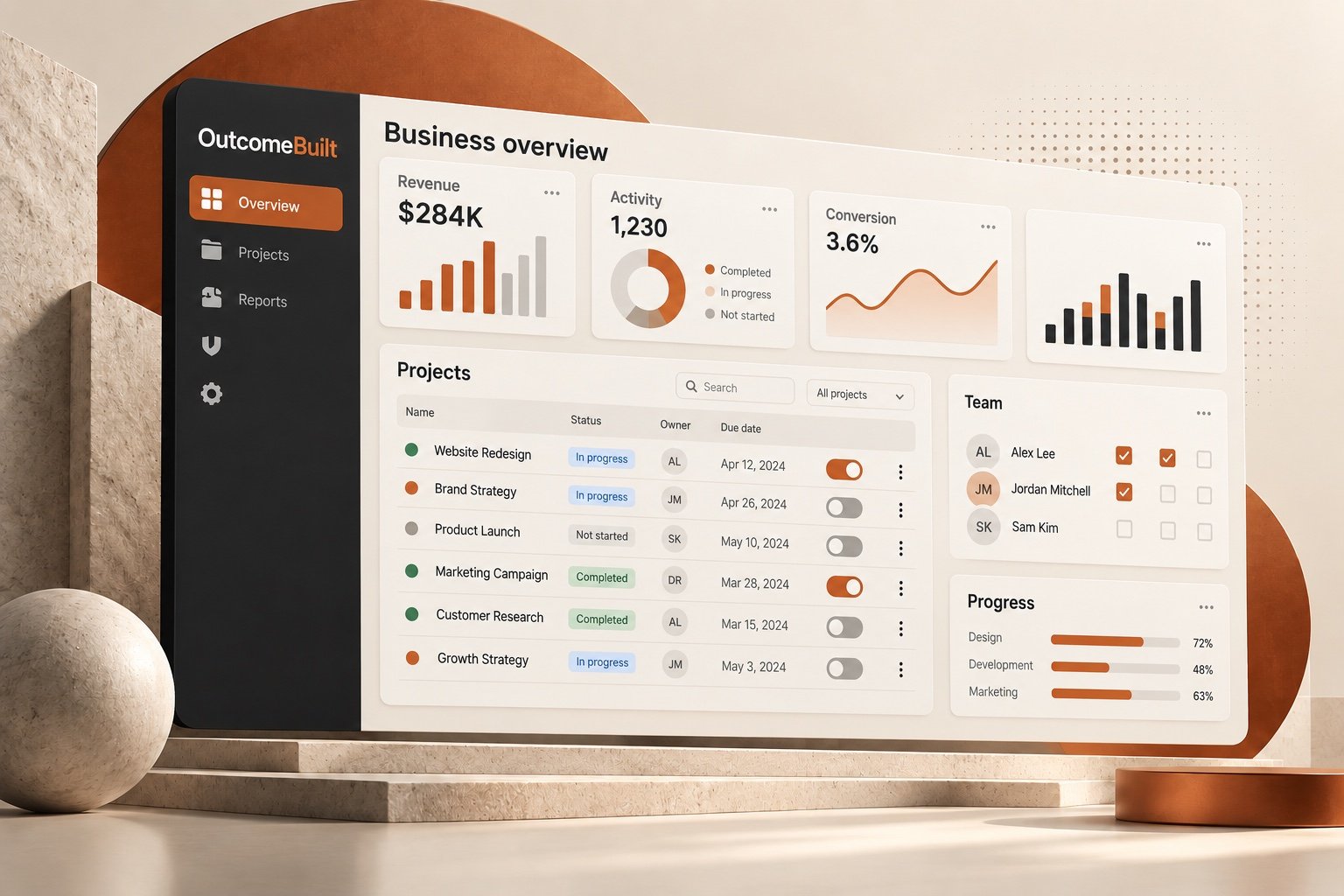
OutcomeBuilt provides custom dashboard and client portal development: secure customer portals, member portals and dashboards that bring information, documents, payments and progress into one place. Customers stop emailing for updates, members find what they need on their own, and leaders see the numbers without waiting for a report.
Built around your budgetWe shape the first phase to fit what you have, with a fixed written quote before work starts.

When everyone has to ask for information, nobody has it when they need it.
Portals and dashboards replace the back-and-forth with one place people can trust.
"Any update on this?"
Customers and members email for status, documents and invoices that your team has to look up by hand.
Information in too many places
Files, payments and records are spread across inboxes, drives and tools.
Leaders wait for reports
Decisions slow down because the numbers have to be pulled together first.
No self-service
Simple tasks like updating details or downloading a receipt need a person to help.
One secure place for customers, members and leaders to see and do what they need.
- Secure logins with the right access for each user
- Customer and member portals with documents and history
- Payments, invoices and receipts in one place
- Executive and operational dashboards
- Connections to your CRM, payments and spreadsheets
- Admin tools for your team
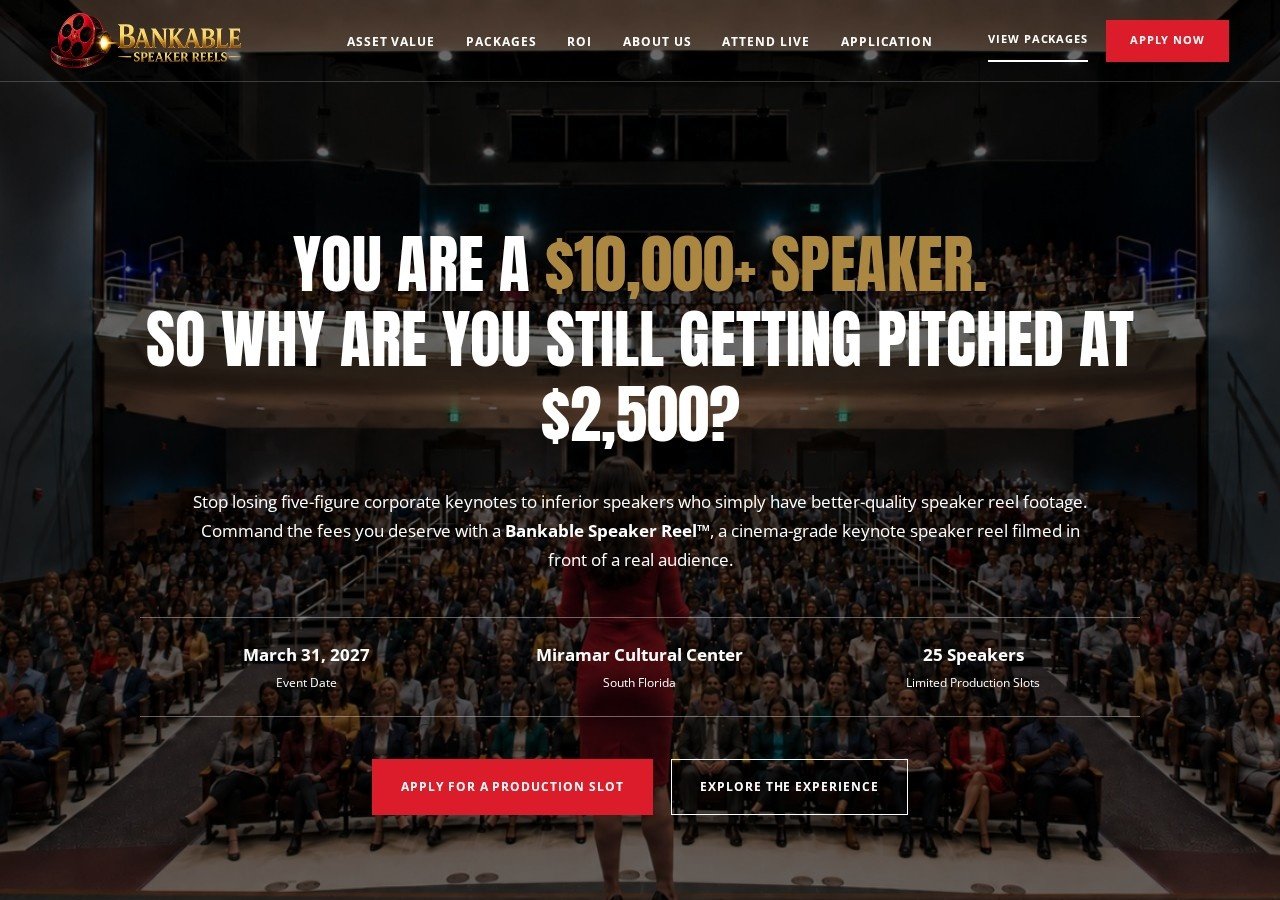
Proof · Bankable Speaker Reels
6–8 hrs of manual work saved every week for the Bankable team
A WordPress payment dashboard and Google Sheets reporting give the client a live view of applications, approvals and payments without logging into the payment provider.
Read the Bankable Speaker Reels case study →What changes when you work with OutcomeBuilt
Customers stop emailing for updates
Invoices, documents, order status and project progress are in the portal, so your inbox stops being the help desk.
Members serve themselves
Renewals, event registrations, certificates and directories work without a staff member in the loop.
Leaders see the numbers daily
A dashboard pulls from your CRM, payments and spreadsheets, so nobody builds the Monday report by hand.
One secure place for data
Role-based logins, audit trails and backups replace shared spreadsheets and email attachments.
Portals & Dashboards services we provide
Customer portal development
Secure logins where customers view orders, invoices, documents, tickets and project status, and submit requests that land in your workflow.
Built on our custom software practice→Member portal development
For associations and nonprofits: member profiles, dues and renewals, event registration, resources and directories, often with tiered access.
See our association event ticketing work→Patient and client portals
Intake forms, appointment requests, secure document exchange and messaging for clinics, practices and professional services firms.
Executive and operations dashboards
Live KPIs from sales, finance, support and operations in one screen, with drill-downs and scheduled email summaries.
Vendor and partner portals
Onboarding, document collection, order and commission tracking for the outside companies you work with every day.
Dashboard and portal integrations
Connections to Zoho, HubSpot, Stripe, QuickBooks, Google Sheets and your website so the portal shows live data, not copies.
Integrations and APIs→From problem to working solution
No technical brief needed. Bring the business problem; shaping the right solution is our job.
[01]
Map the journeys
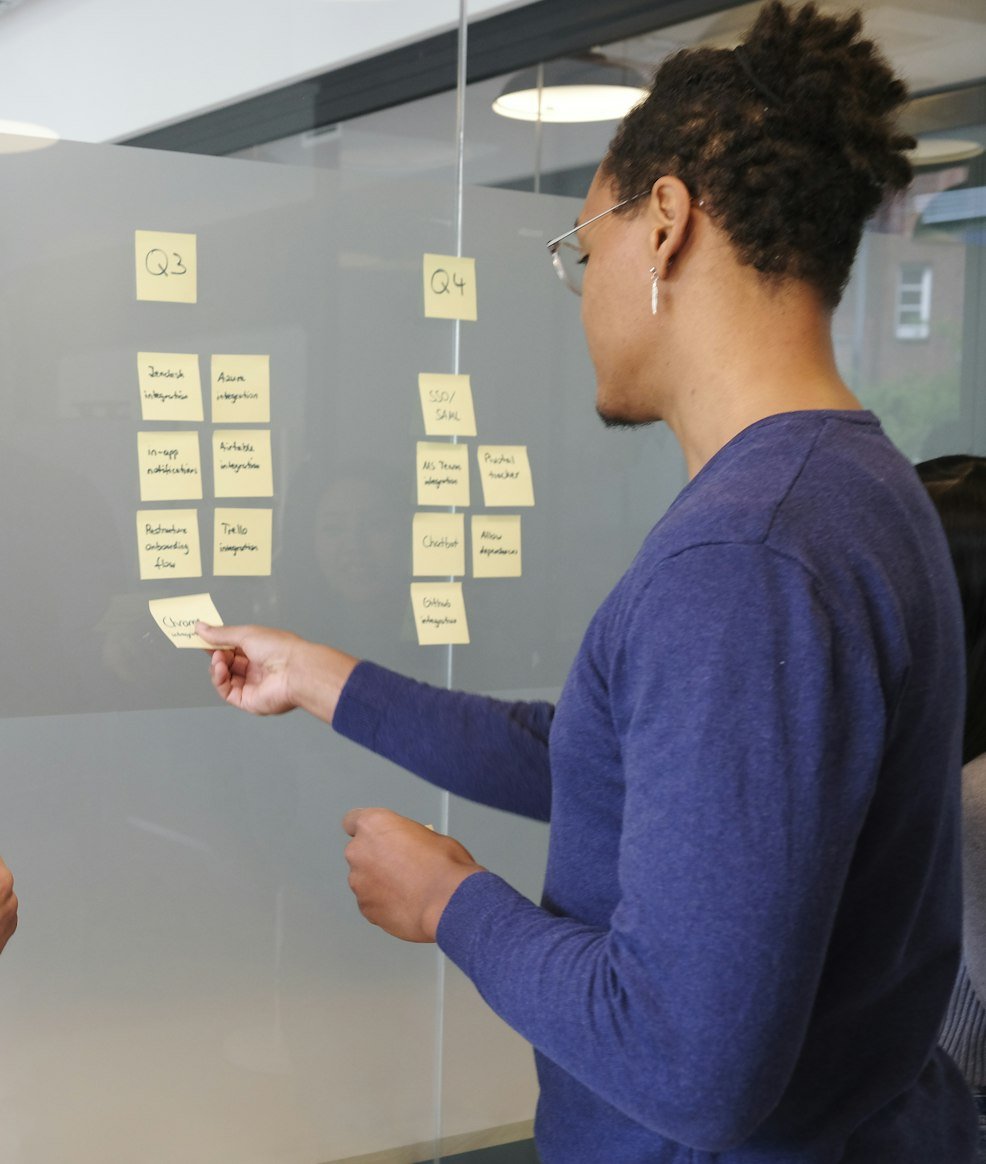
We list who logs in, what each person needs to see and do, and which systems hold that data today.
[02]
Design the screens
Clickable mockups of every screen, agreed with you before code, so the build has no surprises.

[03]
Build and connect
Authentication, roles, the screens and the integrations, shipped in stages you can test with real users.
[04]
Launch and support
Data migration, training for your team, and ongoing support as new needs appear.

What a custom portal or dashboard costs
Portals range from a focused customer login with a few screens to a full member platform with payments and integrations. We work with a range of budgets. Tell us what you have to work with and we shape a first phase that fits it, with a fixed written quote before any work starts.
Number of user types
A single customer role is simpler than customers, staff, admins and partners, each with different permissions.
Screens and workflows
Viewing documents is quick to build. Submitting requests that trigger approvals, emails and status changes takes more.
Integrations
Each system the portal reads from or writes to (CRM, payments, accounting, email) adds connection and testing work.
Payments and renewals
Stripe subscriptions, dues, invoices and receipts add billing logic and reconciliation.
Data migration
Moving existing members, customers or records from spreadsheets or an old system, and cleaning them on the way.
Design level
A clean standard interface costs less than a fully branded, custom-designed experience.
Industries we build portals & dashboards for
Associations and chapters
Member portals with dues, events, directories and chapter admin.
Nonprofits
Donor, volunteer and program portals that replace spreadsheets.
Healthcare and clinics
Patient intake, document exchange and appointment requests.
Professional services
Client portals for accountants, consultants, agencies and law firms.
Small manufacturers and distributors
Order status, dealer portals and inventory dashboards.
SaaS and startups
Admin dashboards and customer-facing account areas inside your product.
How to choose a portal development company
Whether you choose us or someone else, these are the questions worth asking before you sign.
Ask to see a portal they built, logged in
Screenshots hide the real test: speed, clarity and how errors are handled. Ask for a walkthrough of a live portal.
Check who owns the code and the data
You should own both, hosted in accounts you control. Avoid platforms where leaving means starting over.
Ask how they handle security
Password policies, two-factor login, encrypted data, role permissions and backups should have clear answers.
Look at the integration plan
A portal that shows copied data goes stale. Ask how it will read live data from your CRM, payments and other systems.
Get a fixed scope and price in writing
Hourly estimates for portals grow. A written scope with a fixed price protects both sides.
Ask what happens after launch
Portals need updates as your business changes. Know the support arrangement before you sign.
Still have a question?
Share the problem and we will come back with a clear direction.
Portals & Dashboards: common questions
A customer portal is a secure, login-protected area of your website where customers see their own information (orders, invoices, documents, project status) and complete tasks such as paying, submitting requests or booking, without emailing your team.
A portal is for outside users (customers, members, patients, partners) and shows each person their own data. A dashboard is usually for your team and shows combined numbers across the business. Many projects include both: a customer portal plus an internal dashboard.
Yes. We build member portals with Stripe subscriptions or invoices for dues, automatic renewal reminders, event registration with member pricing, and tiered access to resources.
Yes. Portals usually read from and write to systems such as Zoho CRM, HubSpot, QuickBooks, Stripe and Google Sheets through their APIs, so the data shown is live and nothing is typed twice.
A focused customer portal with a few screens typically takes a few weeks. A full member platform with payments, events and several integrations takes a few months. We ship in stages so you can start using early parts sooner.
No-code tools are a good fit for a simple internal view. A custom portal is better when outside customers or members depend on it, when you need your own branding and permissions, when several systems must connect, or when the tool's per-user pricing becomes expensive.
Yes. Every portal and dashboard we build is responsive and works on phones and tablets. If a native app is needed later, the same backend can power it.
Yes. Portals can run inside WordPress as a custom plugin, or as a separate application that matches your site's design and shares its login. We recommend the approach that fits your traffic and security needs.
Encrypted connections, hashed passwords, optional two-factor login, role-based permissions, audit logs and automated backups. Hosting runs in accounts you own.
Yes. You own the code, the database and the hosting accounts, with documentation, so you can continue with us or with any other developer.
Usually, yes. A dashboard that pulls directly from your systems shows the same numbers live, and can email a summary on a schedule, so nobody assembles the report by hand.
It depends on the number of user roles and the data sources it connects to. We work with a range of budgets: tell us what you have to work with and we will shape the first phase around it, so you get the part that matters most first. After a short call about the problem, we send a written proposal with a fixed scope, timeline and price before any work starts, so you know the full cost up front.
Read before you decide
Often part of the same project
Have a problem like this?
Share it in plain language, or book a free 30-minute call. We'll come back with a clear direction.