Zoho CRM Services
OutcomeBuilt sets up, customizes and cleans up Zoho CRM for small and growing teams. We map how your sales and operations actually work first, then build the modules, fields, Blueprints, automations and reports around that process, so your team trusts the data and keeps using the CRM.
Built around your budgetWe shape the first phase to fit what you have, with a fixed written quote before work starts.
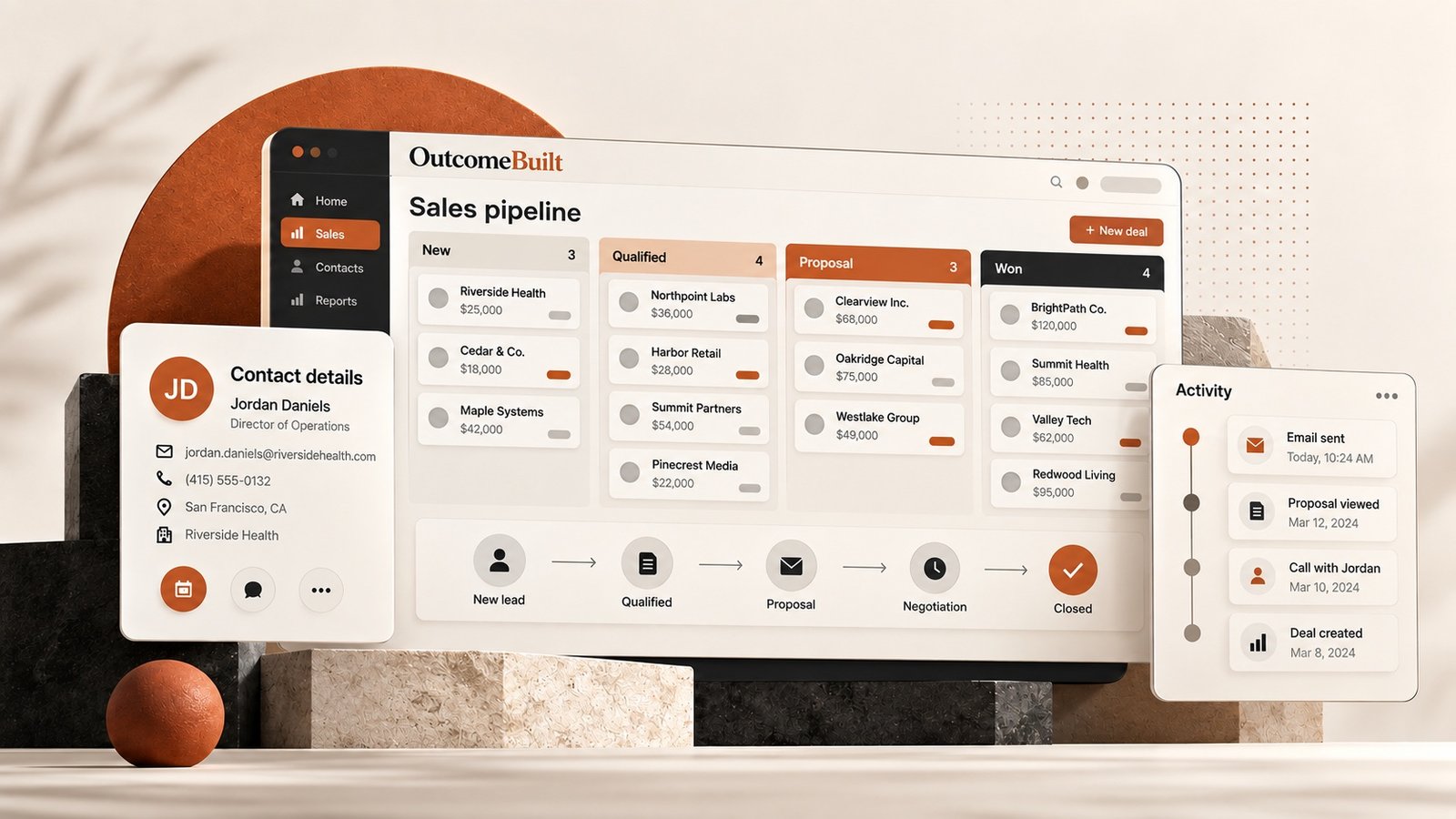


A CRM only helps when the team trusts it.
Most Zoho problems are not Zoho problems. The CRM was set up before anyone agreed how the process should work.
Nobody trusts the data
Duplicate contacts, empty fields and old deals mean the team checks spreadsheets and inboxes instead.
It was set up for someone else's process
Default modules and dozens of unused fields make simple tasks slow, so people stop updating records.
Follow-ups depend on memory
Leads go cold because nothing reminds anyone, assigns the next step or moves a deal forward.
Reports take hours
Leaders still ask for a pipeline update by email because the dashboards do not answer their questions.
Zoho CRM shaped around your process, not the other way round.
- Process mapping before any configuration
- Modules, fields, layouts and user roles
- Data cleanup, deduplication and imports
- Blueprints, workflow rules and assignment rules
- Website forms, email and third-party integrations
- Dashboards, reports and team handover
What changes when you work with OutcomeBuilt
One record per customer
Duplicates merged, fields standardized and ownership rules set, so the pipeline reflects reality.
Follow-ups happen on time
Workflow rules, assignment and reminders mean no lead sits untouched because someone was busy.
Forms and tools feed the CRM
Website forms, email, calendars, invoicing and support connect to Zoho, so nothing is retyped.
Reports leaders actually open
Dashboards built around the three or four questions that matter, not the default clutter.
Zoho CRM services we provide
Zoho CRM implementation
Modules, fields, layouts, pipelines, roles and profiles set up around how your team sells and serves.
Zoho CRM cleanup and migration
Deduplication, field standardization and migration from spreadsheets, HubSpot, Salesforce or an older Zoho setup.
Workflow automation and Blueprints
Assignment rules, follow-up tasks, stage-based automation and approval flows that run inside Zoho.
Workflow automation services→Zoho integrations
Website forms, Zoho Books, Campaigns, Desk, Google Workspace, Stripe and third-party tools through APIs, Zoho Flow or Deluge.
Integrations and APIs→Custom functions and client scripts
Deluge functions, custom buttons and validations for the logic Zoho does not do out of the box.
Dashboards and reports
Pipeline, activity and revenue dashboards for owners, managers and reps.
Dashboard development→From problem to working solution
No technical brief needed. Bring the business problem; shaping the right solution is our job.
[01]
Audit the current setup
We review your Zoho (or spreadsheets), your sales process and where data goes wrong today.
[02]
Design the model
Modules, stages, fields, roles and automations written down and agreed before changes.

[03]
Build, migrate, test
Configuration, custom functions and integrations in a sandbox, then a clean migration.
[04]
Train and support
Short role-based training, documentation, and support as the process evolves.

What Zoho CRM implementation costs
Zoho CRM projects range from a two-week cleanup to a full implementation with integrations and custom functions. We work with a range of budgets. Tell us what you have to work with and we shape a first phase that fits it, with a fixed written quote before any work starts.
Number of modules and pipelines
One sales pipeline is simple. Leads, deals, accounts, quotes and support across teams take more design.
Data to migrate and clean
Volume and messiness of existing records drive cleanup time.
Integrations
Each connected system (website, Books, email, Stripe, third-party tools) adds build and testing.
Custom logic
Deluge functions, Blueprints and approval flows beyond standard workflow rules.
Users and training
More roles and teams mean more profiles, permissions and training sessions.
Industries we build zoho crm for
Professional services
Consultancies, agencies, accountants and law firms tracking leads to engagements.
Associations and nonprofits
Member, donor and sponsor pipelines with renewals.
Healthcare and clinics
Referral and patient inquiry tracking with privacy controls.
Real estate and finance
Long sales cycles with many touchpoints and documents.
Trades and home services
Quotes, jobs and follow-ups from website and phone leads.
SaaS and startups
Trial-to-paid pipelines connected to the product.
How to choose a Zoho CRM consultant
Whether you choose us or someone else, these are the questions worth asking before you sign.
Ask about process first, Zoho second
A good consultant asks how you sell and serve before touching settings. Configuration follows process.
Check they can write Deluge and use APIs
Most real-world needs go past point-and-click. Ask for examples of custom functions and integrations they built.
Ask how they handle dirty data
Migration without cleanup moves the mess. Ask for their deduplication and standardization approach.
Get a written scope
CRM projects grow. A fixed scope and price with a list of modules, automations and integrations keeps it honest.
Plan for after go-live
Processes change. Agree how small changes and new automations are handled later.
Still have a question?
Share the problem and we will come back with a clear direction.
Zoho CRM: common questions
Setting up modules, fields, pipelines, roles and permissions around your process; migrating and cleaning existing data; building automations such as assignment and follow-up rules; connecting your website and other tools; building reports; and training your team.
A focused setup for a small team takes two to four weeks. Implementations with several pipelines, integrations and custom functions take one to three months. We work in stages so your team starts using the basics early.
Yes. Cleanups are a large part of our Zoho work: merging duplicates, standardizing fields, simplifying pipelines, removing broken automations and documenting the setup.
Yes. Website forms can create leads directly in Zoho with source tracking, and trigger assignment and follow-up automatically.
Yes. Deluge functions, custom buttons, validations, Blueprints and scheduled jobs for logic that standard workflow rules cannot do.
Yes, through native integrations, Zoho Flow or custom API connections, depending on what needs to sync and how often.
Zoho CRM is usually cheaper per user and more customizable; HubSpot has a stronger free tier and marketing tools. We recommend based on your process and budget, and migrate either way.
Yes. Short, role-based sessions for reps, managers and admins, plus written documentation of your setup.
Yes. We map fields, clean and deduplicate records, migrate in a test run first, then do the final cutover with minimal downtime.
It depends on whether it is a new setup or a cleanup, how much data needs moving, and how many automations and integrations you need. We work with a range of budgets: tell us what you have to work with and we will shape the first phase around it, so you get the part that matters most first. After a short call about the problem, we send a written proposal with a fixed scope, timeline and price before any work starts, so you know the full cost up front.
Read before you decide
Often part of the same project
Have a problem like this?
Share it in plain language, or book a free 30-minute call. We'll come back with a clear direction.